

Joining a casino mobile platform is the primary transition from exploring to putting money at risk. That one registration page carries higher importance than many gamblers assume. A registration flow crafted carefully protects private information, respects local regulations, and defines anticipations for every funding, cashing out, and reward that comes later. If you are evaluating the Tikitaka Casino app, avoid pausing at the “Sign Up” button. Check whether the app clearly states what data it requires, how those details are saved, and which verification steps activate immediately. Overlooking such specifics can lead to frozen registrations, slow cash-outs, or unpleasant shocks down the line. Noting protection signs, licence displays, and clear terms during the initial use helps you steer clear of operators that consider enrollment secondary. The process should seem like a secure, straightforward swap of information—never a crammed entry that conceals important terms behind a single checkbox. The items listed explain what to scrutinize before completing any casino app sign-up, so every choice stays informed.
Device Compatibility and App Performance at Sign‑Up
The sign-up phase is also the primary performance assessment of the betting platform. A registration form that lags, freezes, or scales poorly on various display sizes points to deeper technical problems. The Tikitaka Casino app is developed to operate seamlessly on a wide range of modern devices, and you ought to verify that the account creation form functions completely on your specific handset before you submit private data.
- iOS devices from iPhone 8 and newer operating iOS 15 or later show consistent rendering.
- Android phones and tablets with a minimum of 4 GB of RAM and Android 10 or more recent manage the procedure without delay.
- Flexible screens and tablets keep form field positioning proper with no clipping.
- The application works equally well over Wi‑Fi and stable 4G/5G connections, so you won’t encounter timeouts during authentication checks.
If the on-screen keyboard obscures text fields or the calendar selector fails to respond on a certain phone model, that difficulty can cause careless blunders. The registration screen should also toggle between light and dark system modes without displaying errors. Evaluating the app across multiple connection types during account creation shows whether the back-end infrastructure handles latency smoothly. A account creation interface that appears refined and reactive is typically underpinned by a development team that keeps up the complete system with the same level of care.
Introductory Bonus Conditions Built into Registration
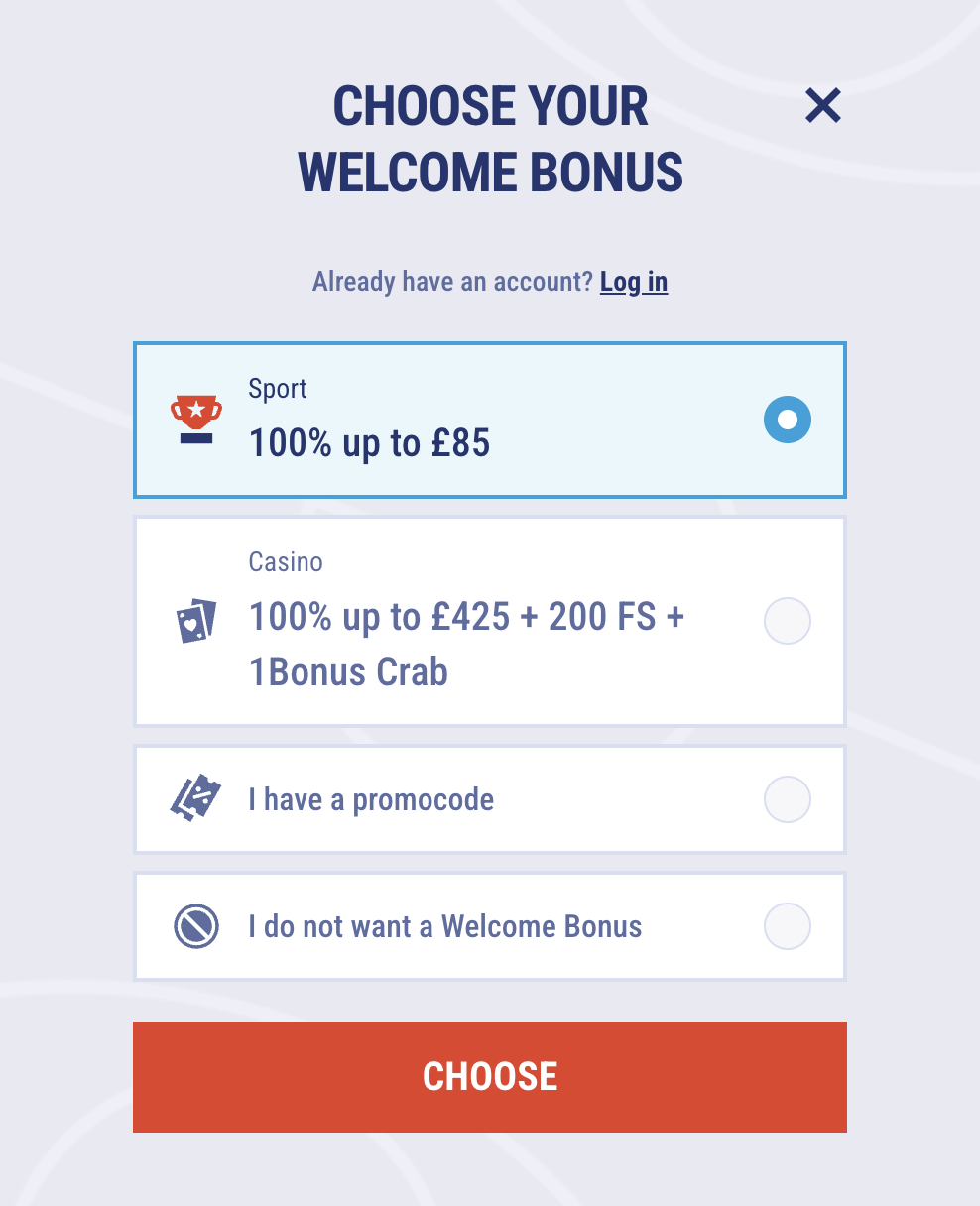
Sign-up and bonus offers are often tightly connected, but the terms can change if you fail to check. Before you hit the final approval button, take a moment to review how the welcome bonus is presented on the sign-up screen. Some applications, like the Tikitaka Casino platform, use a easy opt‑in checkbox that opens into a overview of the key terms. Checking that summary keeps you from accidentally accepting a bonus with betting demands you won’t be able to meet.
- Identify the minimum amount that qualifies for the welcome deal.
- Check the betting requirement factor and if it relates to the deposit, the reward, or both.
- Note any game contribution discrepancies—slots often represent 100% while traditional games may contribute far less.
- Check the validity window you receive to finish betting before the offer and any profits are removed.
A sign-up process that conceals bonus terms behind a different link with none inline description is courting trouble. Even more effectively, watch for apps that allow you to decline the reward during sign-up but still offer a chance to obtain it later from the cashier. That basic design choice respects your autonomy. By examining these conditions while you fill out the form, you prevent discovering later that the sign-up perk transformed into an inescapable lock on your funded money.
Sensible KYC Demands and File Processing
Know Your Customer checks are currently typical in regulated gambling sectors, and a high-quality casino app renders them foreseeable instead of punitive tikitaka.edu.pl. During registration, the Tikitaka Casino app may enable you fund your account before you submit full documents, but it should promptly list the exact set of files you’ll require to unlock cashouts.
- Government‑issued photo ID, such as a travel document or driver’s licence.
- A current utility bill or bank document that displays your registered address.
- In certain cases, a selfie showing your ID for automated matching.
- Proof of ownership for your selected payment method, for instance a photo of an e‑wallet dashboard.
What is important is when it happens and tone. If the registration procedure only references KYC after your first withdrawal request gets declined, that failed promise of instant cashouts results in frustration. A more effective approach lets you during sign-up that you may complete verification voluntarily right away to avoid later hold-ups. Look for apps that allow you upload documents directly inside the account settings using a secure device capture, rather than asking for email submissions. The document processing policy should also state plainly how long the operator keeps copies and whether that data is shared with third‑party verification services. Transparency here is hardly optional.
The Openness of the Enrollment Form
A reliable casino app does not conceal key terms under vague “I agree” prompts. On the Tikitaka Casino app, the form is clear and every field has a justification for existing. When you access the registration screen, observe whether the app requests only standard information—name, date of birth, email, residential address—or whether it requires extra data like tax ID numbers or employer details before you can fund a single cent. The bare minimum fields preserve your privacy while still satisfying anti‑money laundering rules. Just as vital is how the app clarifies why it requests certain information. A concise, noticeable note under the birth date field that indicates age verification is a legal requirement builds trust. On the other hand, forms that direct to a wall of unformatted legal text without pulling out the key takeaways often suggest a platform that cares more about legal cover than ensuring your comprehension. Transparent registration also includes a progress indicator that displays exactly how many steps remain. Every extra minute spent on a confusing sign-up is a red flag. Apps that treat registration like a sales funnel instead of a compliance‑first process warrant additional scrutiny.
Protection Steps Observable at Sign‑Up
Registration is when security should be most visible. On the Tikitaka Casino app, you can check for TLS encryption instantly by noticing the padlock icon in your mobile browser or by confirming the app came from an official store. Check for clear statements about data handling straight on the registration page itself, not hidden in a privacy centre you can only access after you’ve created an account. A good app states that your personal documents will be encrypted at rest and that payment credentials are tokenised instead of stored in plain text. Multi‑factor authentication options that show up during or straight after sign-up add another layer of confidence. If the app requires you to set a security question, a backup email, or an authenticator app during initial profile creation, that indicates security is taken seriously. Another subtle sign is what takes place when you type a weak password. A registration flow that rejects “123456” and briefly outlines the strength rules without disrupting the experience shows attention to detail. Any app that without warning accepts trivial passwords likely has gaps in its wider security controls. Watching these small design decisions at sign-up reveals how much the operator cares about protecting your account from day one.
Frequently Asked Questions
Can I complete the Tikitaka Casino app registration without providing documents right away?
Absolutely, the first registration on the Tikitaka Casino app usually asks only basic personal information. You can usually put off document upload for full KYC verification until you request a withdrawal, but finishing it sooner is highly advised. Undertaking that optional move speeds up your primary cashout and decreases the chance of a future rejection. The app offers you a secure area within your account profile to submit documents. Postponing verification won’t hinder you from gaming or funding, but you should expect a review period when you opt to take out funds.
What kinds of documents are accepted during the app verification process?
The Tikitaka Casino app accepts a valid passport, a national identity card, or a driver’s licence that includes a distinct photo and date of birth. The document must be presently valid and not void. For address verification, service bills, financial institution documents, or official documents dated covering the most recent quarterly period are usually required. In some cases, you may be requested to provide a unobstructed selfie showing your document for identity verification. All uploads are handled through encrypted channels to keep your sensitive information safeguarded during the review.
Is my credit card data secure when I enter it through the mobile registration form?
Indeed. The app uses industry‑standard Transport Layer Security to encrypt all information sent from your device. Where possible, payment card numbers are tokenized, so the actual digits are replaced with a safe token for future transactions. The casino does not store full card data on its own servers in a accessible format. Any retained payment method can also be guarded by a secondary authentication step, like a one‑time code. Always check the app’s security indicators, such as the padlock symbol, before entering financial information.
Can the registration process permit me to opt out of marketing messages right at the start?
Yes, the registration form includes individual boxes for email, SMS, push notifications, and phone‑based promotions. Each channel sits on its own, so you can accept game updates while fully declining promotional calls. These choices are not concealed under a single blanket agreement. You can also modify marketing consent later in your account settings without affecting core services. Important transactional messages about withdrawals, security alerts, and verification requests are delivered no matter what marketing preferences you set, to maintain your account secure and compliant.
In what way can I check whether my mobile device is compatible before I get the app?
The legitimate Tikitaka Casino section lists required requirements for all Android and iOS devices. In common, iPhones from the 8 model onwards running iOS 15 or later are accepted, while Android devices require at minimum 4 GB of RAM and Android 10 or higher. Tablets and foldable phones are optimized for adaptive sizing, but installing the app from an authorized store automatically checks compatibility. You can conduct a quick trial by installing the app and accessing the sign-up screen; if it displays without issues, the full app usage will work reliably.
Are there any unexpected fees in the sign-up and opening deposit step?
No lawful casino app, including Tikitaka Casino, applies a charge simply for starting an membership. Registration is entirely complimentary. The sole costs stem from deposits, and honest operators display any payment gateway additional costs before you approve the transaction. Check the deposit summary screen thoroughly to make sure the amount charged corresponds to the payment you planned. If a casino requires an advance payment just to set up an profile, that is a clear warning sign. Always review the conditions shown during the deposit step to verify no surprise processing charges appear.
What actions should I perform if the registration process freezes or breaks midway through?
To begin, make sure your internet connection is steady by toggling between Wi‑Fi and mobile data. Closing and restarting the app usually picks up the process from the last successfully saved step. If the problem remains, clearing the app cache in your device settings can eliminate corrupted temporary data. Tikitaka Casino provides a live chat button directly on the error screen, so you can report the issue straight away. Sending a screenshot of the frozen step helps the support team identify the bug faster. Do not repeatedly resubmit the same information, as that may cause temporary security blocks on your account.
Privacy Settings and Marketing Permission Choices
One of the most overlooked parts of casino app registration is located at the bottom of the form: the advertising permissions and privacy settings. A trustworthy platform, such as the Tikitaka Casino app, accords these choices the same importance as the main fields. In place of pre‑selected boxes that assume your agreement, the registration screen should employ opt‑in checkboxes divided by channel: email, SMS, push notifications, and phone calls. Every channel merits a concise description of the messages it will provide, so you can agree to game updates but refuse promotional calls. The data protection link should display an in‑app panel, rather than redirecting to an external browser that disrupts the experience. Ensure that declining marketing consent does not unfairly restrict your account functionality or bonus eligibility. A well‑built registration page makes it plain that necessary service messages about withdrawals, verification, or security alerts will still reach you no matter what marketing choices you make. Examining these options during sign-up requires only an additional minute but spares you from inbox clutter and complex unsubscribing processes later. View the lack of detailed privacy controls as a major red flag.
Payment Details Processing at the Registration Stage
Not every casino app keeps deposit setup separate from the initial registration flow, and that integration merits close scrutiny. If the app pushes you for payment details before your identity is verified, it should explain why. The Tikitaka Casino app, like most reputable platforms, permits you to view games after registration and only prompts for a deposit method once you access the cashier. When payment details are gathered upfront, the app must show the available methods, their processing times, and limits before you enter a card number or e-wallet identifier. A dependable registration process also makes it clear whether the payment method will be tied to your account for future withdrawals. Some operators restrict withdrawals to the same method used for depositing, and that rule ought to be declared upfront, not hidden in a separate policy. The encryption status of payment form fields should match the same high standard as the login page. You should also see whether the app enables minor verification deposits or two-factor confirmation for saved payment methods. All these signals during registration help you build a complete picture of how diligently the casino treats your financial safety.